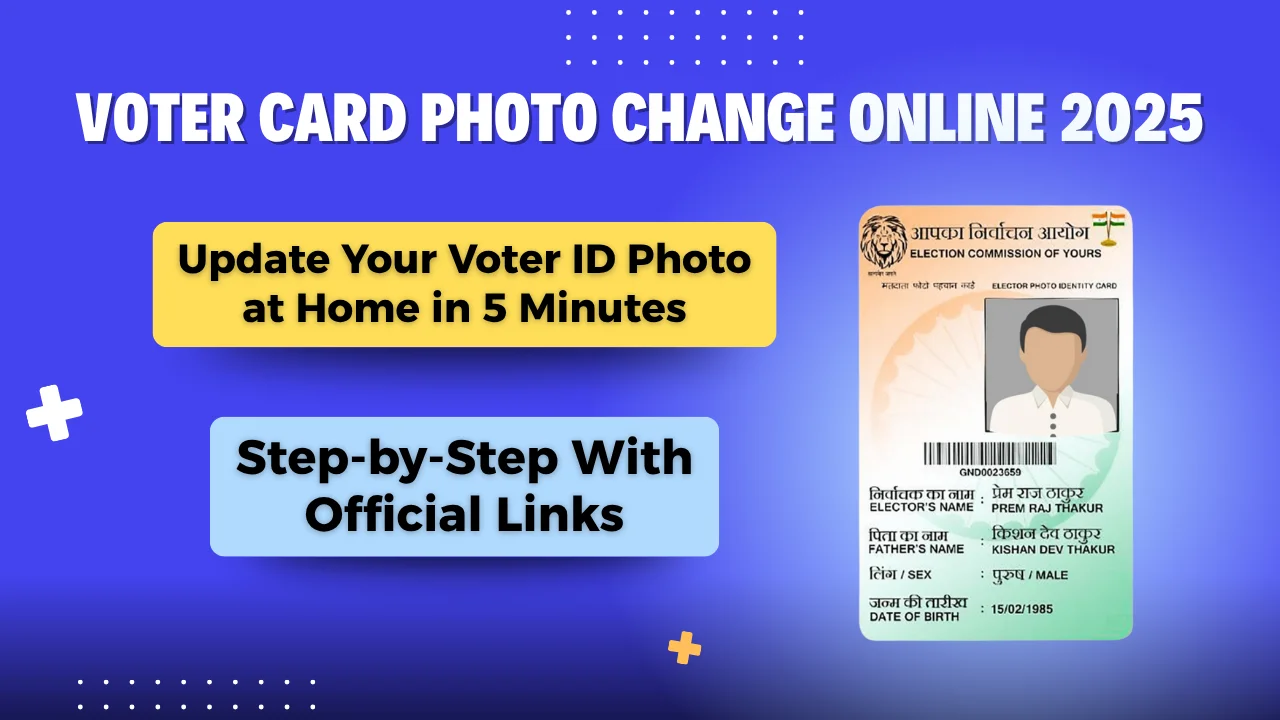
Voter Card Photo Change Online 2025: The Voter ID card is one of the most vital documents for Indian citizens, serving not only as a proof of identity but also as a crucial instrument to participate in the electoral process. However, many people face issues with unclear or outdated photographs printed on their voter cards, which can cause inconvenience during elections or official verifications.
Thankfully, the Election Commission of India (ECI) has made it possible to change your voter ID photo online. You can now update your photograph from the comfort of your home using the official NVSP portal – https://voters.eci.gov.in. This guide will walk you through the step-by-step process to update your Voter ID photo online, the documents required, and key points to remember.

Table of Contents
✅ Why Should You Change Your Voter ID Photo?
There are several reasons why updating your Voter ID photograph might be necessary:
- Your current photo is unclear, old, or not recognizable.
- Your appearance has significantly changed.
- The printed photo is distorted or mismatched.
- Your current voter card photo is not accepted as valid ID in some services.
An updated and clear photo on your voter card ensures smoother verification during elections and identity checks.
📋 Overview: Voter Card Photo Change Online
| Feature | Details |
|---|---|
| Article Title | Voter Card Photo Change Online 2025 |
| Purpose | To update your photo on your voter ID card |
| Mode of Application | Online (Digital Submission) |
| Official Portal | https://voters.eci.gov.in |
| Documents Required | Aadhaar Card, Voter ID, Passport-size photo, Mobile number |
| Application Form Used | Form 8 (Correction of Entries) |
| Reference Number Provided? | Yes, after submission |
| Eligibility | All registered voters with existing Voter ID |
| Photo Format | Recent color photo (JPG/JPEG/PNG format) |
| Tracking Available | Yes, via Reference Number on official portal |
📑 Documents Required – Voter Card Photo Change Online 2025
Before you begin the online process, make sure you have the following documents ready:
- ✅ Aadhaar Card (for identity verification)
- ✅ Existing Voter ID card
- ✅ Recent passport-size photograph (clear and in JPG/JPEG/PNG format)
- ✅ Mobile number (for OTP verification)

🖥️ Step-by-Step Guide to Change Voter Card Photo Online
Voter Card Photo Change Online 2025: Follow the steps below to update your voter ID photograph online through the official NVSP portal:
🔹 Step 1: Visit the Official Voter Services Website
Go to the official portal of the Election Commission of India:
👉 https://voters.eci.gov.in
🔹 Step 2: Login or Create Your Account
- Click on the Login button on the top-right corner.
- If you already have an account, enter your mobile number and password, then click Request OTP.
- Enter the OTP received on your mobile and click Verify & Login.
- If you’re a new user, register first using your mobile number and email.

🔹 Step 3: Select the Relevant Form for Correction
- After login, choose the option:
“Shifting residence/ correction of entries in existing electoral roll/ replacement of EPIC/ marking of PWD” - On the next page, select “Other Elector”, and enter your EPIC number (found on your voter ID card).
- Click on Submit.

🔹 Step 4: Start the Correction Process
- Your voter ID details will now be visible on the screen.
- Click on OK to proceed.
- On the next page, choose:
“Correction of Entries in Existing Electoral Roll” and click OK.

🔹 Step 5: Upload New Photograph
- A new correction form will open (commonly Form 8).
- Fill in the required details, and most importantly, upload your new photograph.
- Ensure that the uploaded photo is recent, clear, and as per the guidelines.
🔹 Step 6: Review and Submit the Form
- After uploading all details and documents, click on Preview & Submit.
- Verify all details carefully.
- If everything looks good, click on Submit.
🔹 Step 7: Note the Reference Number
- Once submitted, a Reference Number will be generated.
- Keep this number safe – you’ll need it to track the status of your application.

🔍 How to Track Status of Voter ID Photo Update?
You can track the progress of your application using the reference number:
- Visit: https://voters.eci.gov.in
- Click on Track Application Status
- Enter your reference number and EPIC number
- You will see the current status of your request (e.g., Pending, Verified, Approved)
📌 Important Tips – Voter Card Photo Change Online 2025
- ✅ Use a recent color passport-size photo (white background is recommended).
- ✅ Make sure the face is clearly visible, no sunglasses or headwear (except for religious purposes).
- ✅ Avoid multiple submissions – one application is enough.
- ✅ You’ll receive an SMS once your update is approved.
🔗 Useful Links – Voter Card Photo Change Online 2025
| Purpose | Link |
|---|---|
| Official ECI Portal | https://voters.eci.gov.in |
| Correction Form | Form 8 |
| Track Application Status | https://voters.eci.gov.in |
| Help/Support | Contact your local electoral office or call 1950 (toll-free) |
| Join Us on WhatsApp/Telegram | WhatsApp | Telegram |
📝 Conclusion
Changing your voter ID card photo online is now easier than ever. With just a few documents and a working internet connection, you can update your voter ID photo from home, without standing in queues or visiting any government office. The Election Commission has streamlined the process through its NVSP platform, allowing voters to keep their records updated effortlessly.
We hope this comprehensive guide helps you in successfully updating your Voter ID card photograph. If you found this article useful, don’t forget to share it with friends and family who might also need help with their voter ID updates.
If you have any questions or face issues during the process, feel free to drop them in the comment section below.
ALSO READ –
- Bihar Voter Enumeration Form Online Apply 2025: Full Guide to Update Voter List Information
- 🔥 BSEB Super 50 Free Coaching 2025: Get Free JEE/NEET Coaching with Hostel & Food – Apply Now!
- Nalanda Open University Admission 2025 – Full Course List, Fees, Eligibility & Online Apply Link Inside
- 📜 India Post GDS 3rd Merit List 2025 Out – Here’s How to Check Your Result Instantly!
- 📢 Bihar Fasal Sahayta Yojana Payment: Farmers in 12 Districts Receive – Check Panchayat List Now!